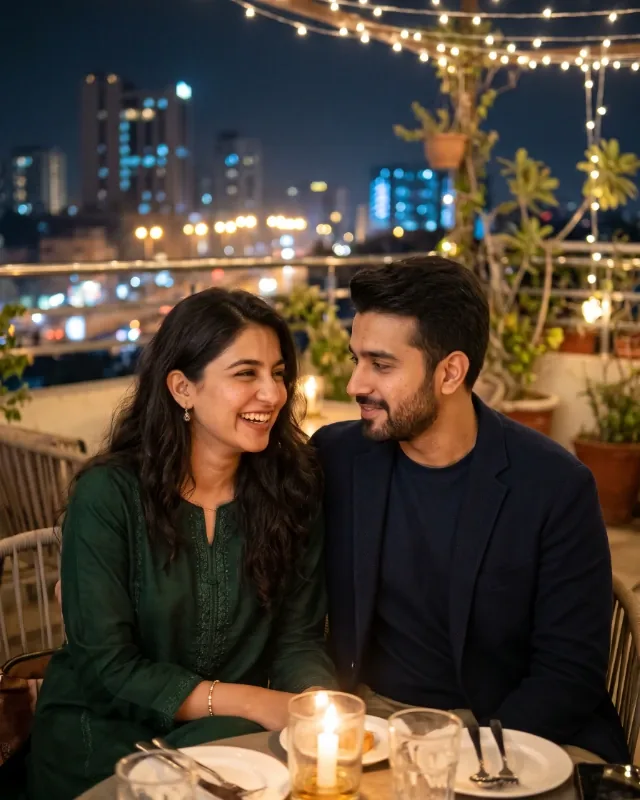
Modern Instagram Couple
Instagram StyleRealistic

Modern Instagram Couple

A candid, stylish couple photo with a contemporary social look.

The prompt

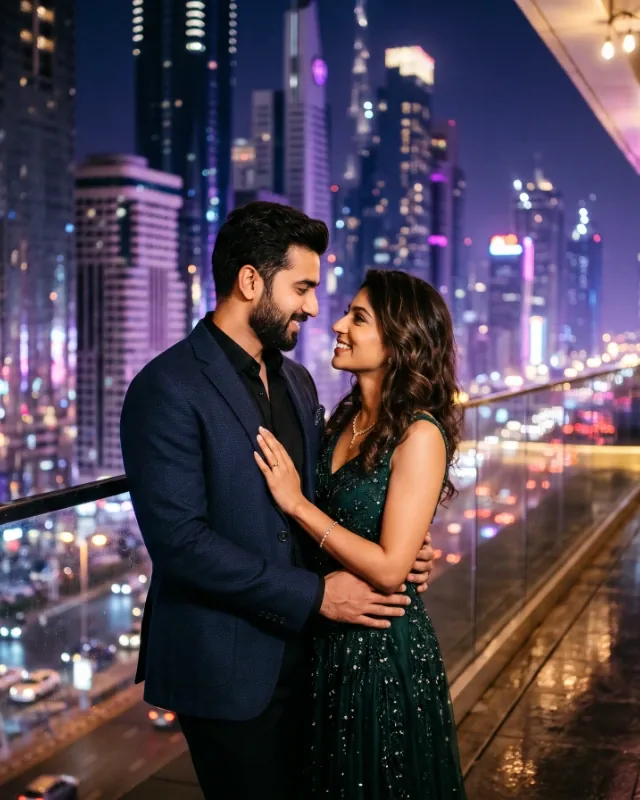
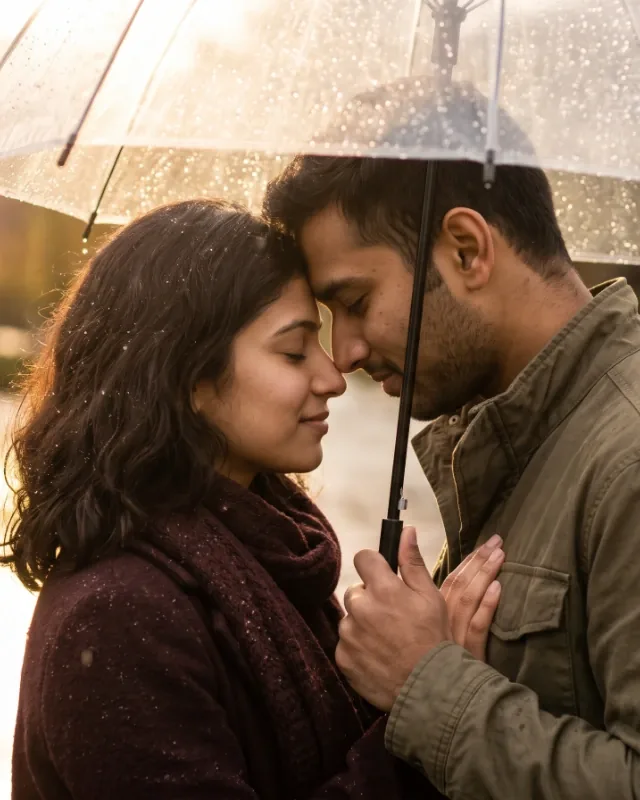
Transform my reference photo into a highly realistic romantic Instagram photograph of a young adult Pakistani couple enjoying a rooftop dinner at night. **Bring the couple much closer to the camera**, making them the main focus of the photograph. Use a close medium shot, framing them from the waist up, with both faces large, clearly visible and sharply detailed. They should sit close together, their shoulders almost touching, sharing a gentle romantic gaze with natural smiles and relaxed expressions. Preserve both faces exactly as they appear in the original reference photo, including their identities, facial features, skin tones and natural appearance. Keep their original outfits exactly as shown in the reference photo without any changes. Maintain the rooftop restaurant setting, with a small candlelit dinner table visible in the foreground, delicate warm fairy lights overhead and softly illuminated city buildings in the background. Keep the background slightly out of focus so the couple stands out naturally, while still making the rooftop atmosphere recognisable. Use realistic restaurant lighting, soft candlelight on their faces, natural shadows and balanced nighttime exposure. Authentic skin texture, realistic hair details, natural hands and body proportions, genuine expressions and believable photographic depth of field. Professional DSLR portrait photography, natural colours, subtle colour grading and an authentic romantic Instagram aesthetic. Make it look like a real photograph taken at a rooftop restaurant, not an artificial or heavily edited image. Vertical 4:5 portrait composition, no text, no watermark, no face alterations, no outfit changes, no distant couple, no full-body framing, no artificial skin smoothing.

  • #Instagram
  • #lifestyle
  • #modern

How to use this prompt

  1. Choose your AI image tool

    Open an AI image generator that supports the type of image you want to create.

  2. Add a reference image when needed

    Want to recreate a particular photo, pose, composition, outfit or person's appearance? Upload the relevant reference image to your AI tool before using the prompt.

    If the prompt describes a completely new image and does not require a visual reference, you can use it without uploading one.

    Use a photo you own or have permission to use. Follow the image tool's instructions for attaching reference images.

  3. Copy and paste the prompt

    Click "Copy Prompt" and paste the complete prompt into your AI image tool. Follow any specific reference-image instructions included in the prompt.

  4. Generate and refine

    Generate your image. If needed, adjust details such as pose, clothing, expression, lighting or background to get the result you want.

Kriyano does not generate images itself — the result always comes from the tool you choose, so review and refine it there.