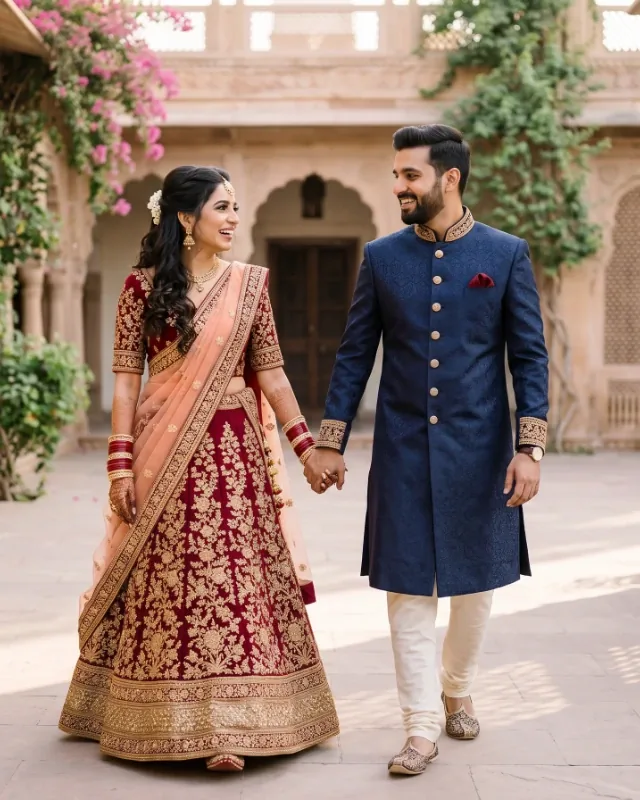
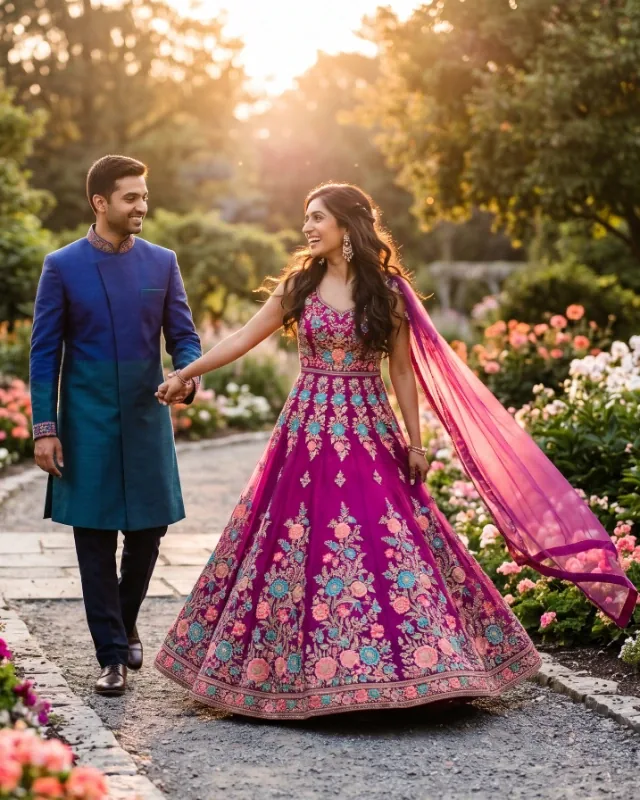
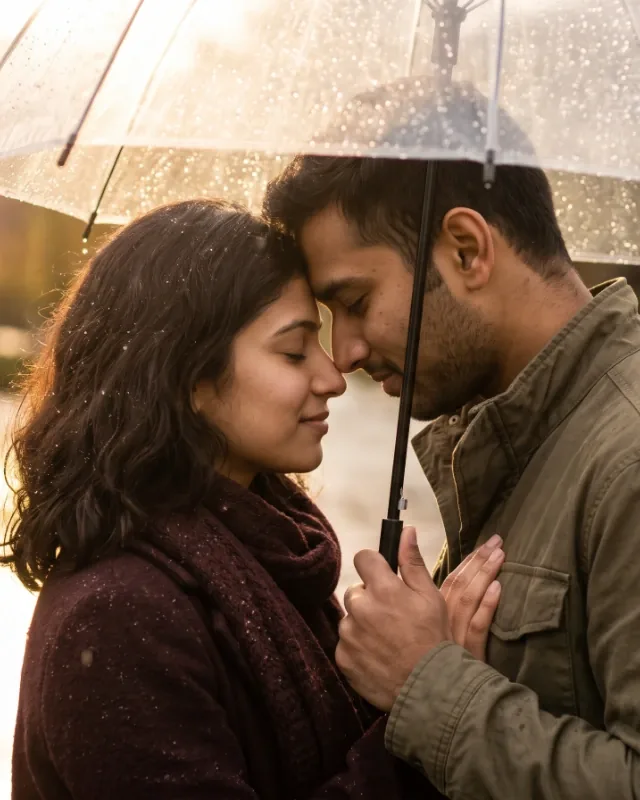
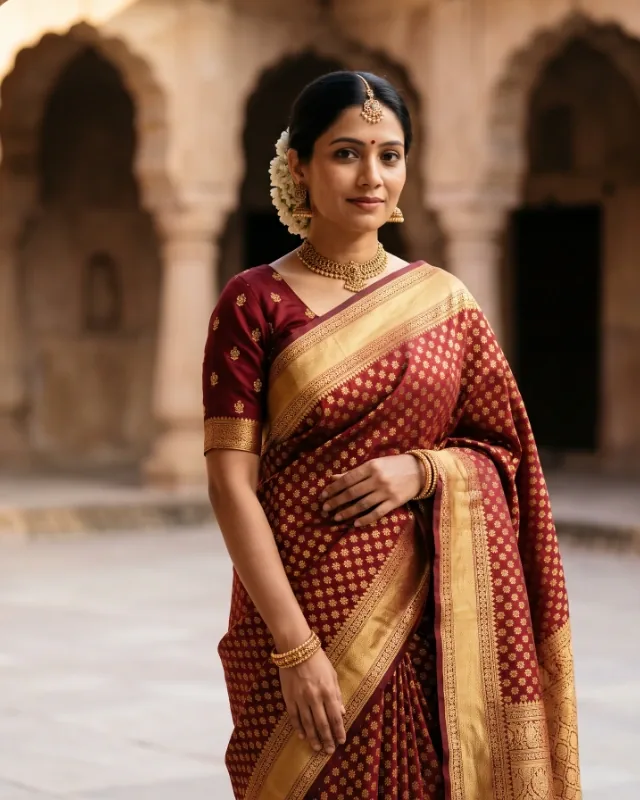
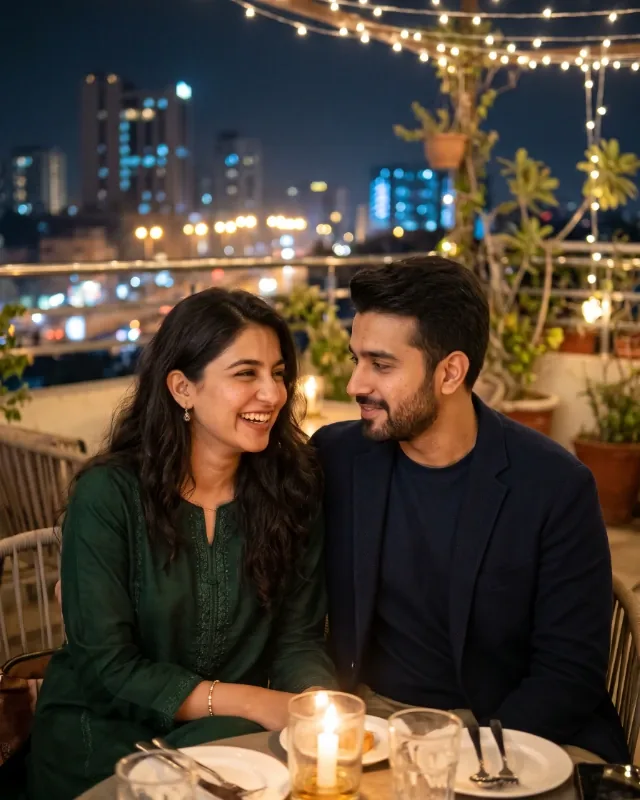
Create an ultra-realistic, full-body traditional Indian pre-wedding photograph of the same adult Indian couple shown in the supplied reference images. **STRICT OUTFIT CONSISTENCY IS THE HIGHEST PRIORITY. The clothing must remain identical to the reference images, not merely similar or inspired by them.** Treat the reference photographs as the definitive source for both outfits. Reproduce the exact original garments without redesigning, restyling, replacing, recolouring, or modifying any detail.
Preserve the woman's exact outfit, including its original colour, fabric, embroidery, motifs, borders, neckline, sleeves, waist design, skirt shape, length, layers, draping, embellishments, and accessories. Preserve the man's exact outfit, including its original colour, fabric, cut, collar, buttons, embroidery, patterns, jacket or shirt design, trousers, fit, footwear, and accessories. Do not substitute different traditional clothing. Do not add, remove, or invent jewellery, scarves, dupattas, decorative elements, or accessories. **Do not use generic Indian wedding attire as a replacement.**
Use the same reference images to preserve the couple's exact facial identities, hairstyles, skin tones, and physical appearance. Recreate the original location as faithfully as possible, retaining its architecture, background, plants, decorations, flooring, lighting direction, and composition. Do not invent a different setting.
Only change the couple's pose slightly to create a natural traditional Indian pre-wedding photoshoot moment, such as walking together, holding hands, or sharing a gentle smile. Keep their interaction relaxed, romantic, and candid rather than resembling a formal wedding ceremony. Maintain a colourful but natural photographic atmosphere without changing the original outfit colours or background.
Show both people completely from head to toe, with their original outfits clearly visible. Use realistic camera perspective, natural daylight, authentic shadows, accurate skin texture, realistic fabric folds, and professional full-frame DSLR photography. The result must look like a real photograph taken at the same location with the same couple wearing exactly the same clothes.
**REFERENCE IMAGE PRIORITY:** Facial identity and clothing accuracy must take priority over creative styling. If a creative choice conflicts with the reference clothing, always follow the reference. Do not reinterpret any garment detail. Do not generate alternative outfits between variations. Keep the same clothing and location consistent across every generation; only the pose and subtle camera composition may vary.
Avoid outfit changes, colour changes, altered embroidery, different fabrics, modified silhouettes, invented accessories, location changes, wedding ceremony decorations, artificial skin, excessive retouching, unrealistic anatomy, cropped bodies, CGI, illustrations, text, logos, and watermarks.