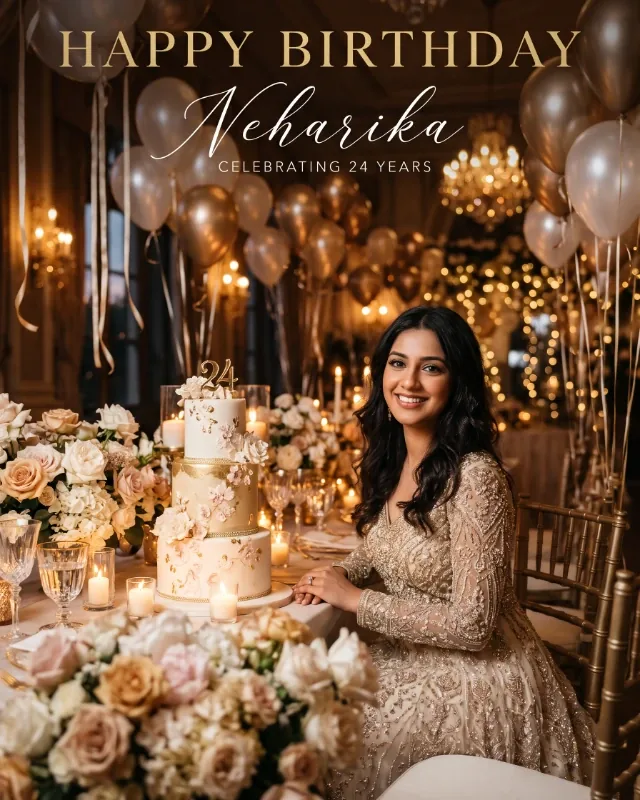
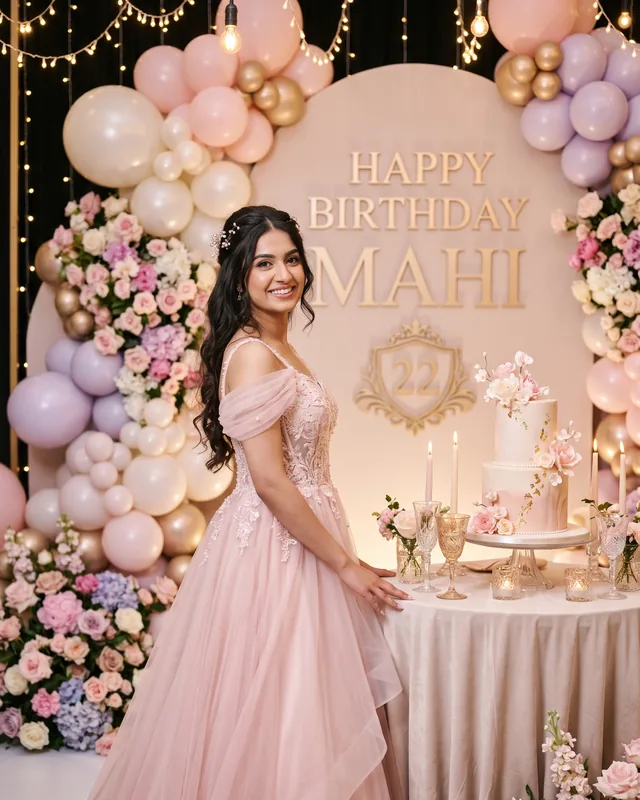
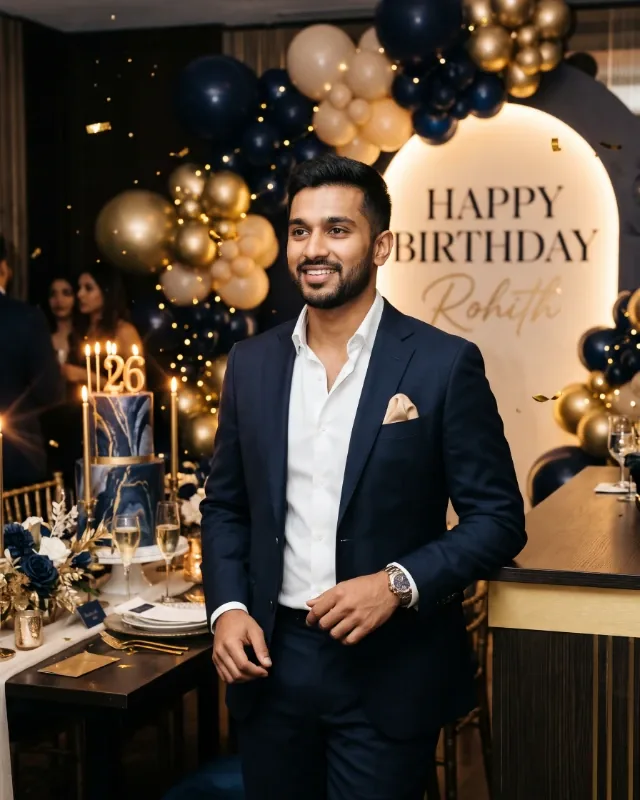
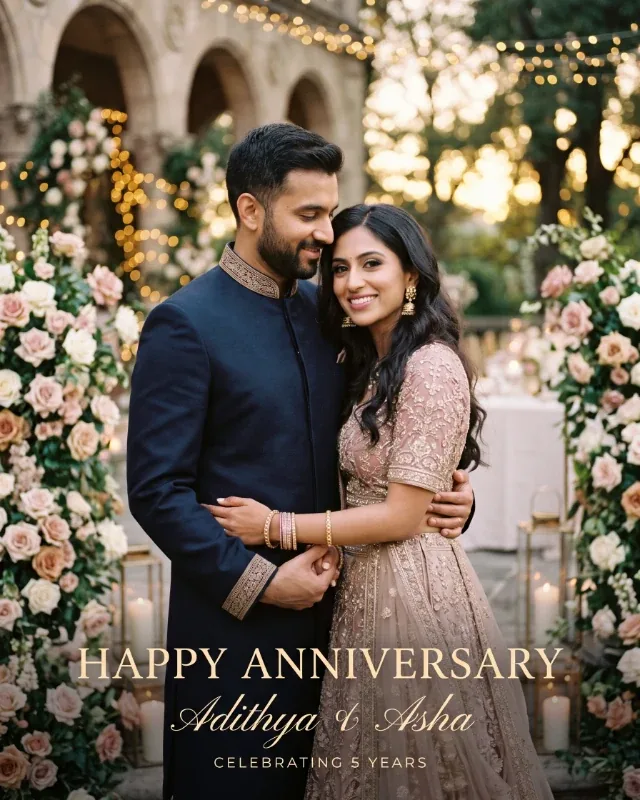
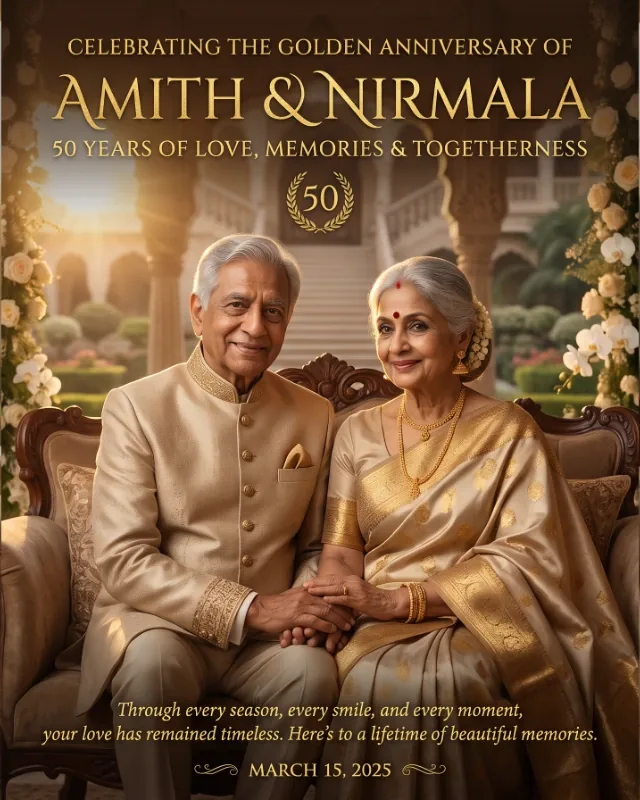
Create an exceptionally elegant, photorealistic luxury birthday greeting post featuring the birthday person as the main visual focus. The design should resemble a premium cinematic birthday campaign photographed and art-directed by professionals.
Birthday person's name: [Name]
Age: [Age]
Reference photo: [Upload Clear Portrait]
Preferred colour palette: [Enter Colour Palette / Optional]
Birthday message: [Enter Personal Greeting / Optional]
Use the supplied reference photograph to preserve the person's real facial identity, face shape, skin tone, hairstyle and natural age appearance. Feature them prominently in a sophisticated, confident and natural pose, wearing elegant partywear or formal fashion appropriate to their age and style. Maintain realistic anatomy, natural hands, authentic skin texture and believable proportions. Avoid generic model faces, excessive beauty filters or artificial-looking skin.
Create a luxurious birthday celebration setting with a beautifully designed premium cake, elegant floral arrangements, tasteful balloons, decorative ribbons, glowing candles and refined architectural details. Add subtle golden reflections and softly illuminated background lights with cinematic bokeh. Keep the birthday person as the unmistakable focal point.
Use the selected colour palette throughout the composition. If no palette is provided, choose an elegant combination of champagne gold, ivory, pearl white and subtle blush accents. Create a cinematic atmosphere with professional studio-quality lighting, warm highlights, soft shadows, delicate rim lighting and realistic reflections. Keep the overall appearance bright, glamorous, joyful and sophisticated.
Include the exact headline **“HAPPY BIRTHDAY!”** prominently in elegant luxury typography. Use refined serif lettering or sophisticated modern calligraphy in champagne gold, warm ivory or a suitable contrasting colour. Include the supplied name elegantly in the design. Incorporate the age only if provided, and use the personal birthday message exactly as entered. Ensure all text is correctly spelled, crisp and clearly readable. Never place text over the person's face.
Create a clean, balanced composition with clear visual hierarchy and generous breathing space. Use professional full-frame DSLR or medium-format photography aesthetics, realistic fabric textures, detailed decorations, natural skin details, subtle depth of field and premium cinematic colour grading. Follow the selected image format and compose the design appropriately for the intended social media platform.
Create exactly one single image in one continuous composition. Do not create a collage, grid, split screen, multiple panels or duplicate subjects. Do not invent names, ages, dates or personal details. Avoid excessive glitter, neon colours, childish decorations and cluttered backgrounds. No watermarks, unwanted logos or additional text.