Personalisation details (fill in before generating):
- Birthday girl's name: [Name]
- Age: [Optional]
- Birthday year: [Optional]
- Birthday message: [Optional greeting]
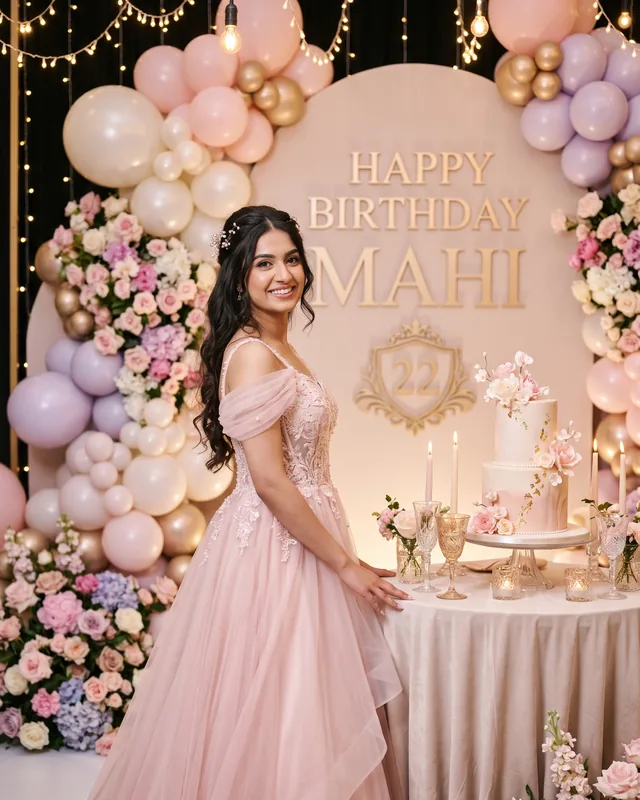
Create an ultra-realistic, high-end cinematic birthday photoshoot portrait of a beautiful girl, using the uploaded reference photograph as the exact facial identity reference. Preserve her original face shape, facial features, skin tone, hairstyle, and natural age appearance. Do not replace her with a generic model or change her identity. Capture her with a genuine joyful smile and a graceful, confident pose.
Dress her in an exquisite luxury birthday gown in soft blush pink with delicate layered fabric, elegant detailing, a beautifully flowing skirt, and subtle pearl embellishments. The outfit should look premium, stylish, and age-appropriate, with realistic fabric texture and natural movement. Keep her hairstyle elegant and natural, with delicate accessories that complement the dress.
Place her in a stunning luxury birthday setting with a beautifully decorated celebration backdrop. Surround her with elegant pastel balloon arrangements, fresh floral installations, delicate ribbons, warm fairy lights, and subtle champagne-gold details. Include a gorgeous designer birthday cake displayed on an elegant table beside her, decorated with refined frosting details, delicate flowers, and glowing candles.
Use a sophisticated colour palette of blush pink, pearl white, soft lavender, champagne gold, and warm ivory. Create a dreamy yet realistic atmosphere with beautiful warm lighting, soft golden highlights, delicate background bokeh, and subtle sparkling details. The environment should feel like an exclusive luxury birthday celebration, not a cartoon or artificial fantasy scene. Keep the decorations elegant, coordinated, and beautifully arranged without overcrowding the composition.
Capture her with natural skin texture, realistic facial details, fine hair strands, accurate hands, and believable body proportions. Use professional fashion and birthday editorial photography, an 85mm portrait lens, f/2.8 aperture, beautifully controlled depth of field, sharp focus on her face, and a softly blurred background. Use bright, flattering cinematic lighting with natural skin tones, rich but realistic colours, gentle shadows, and premium professional colour grading.
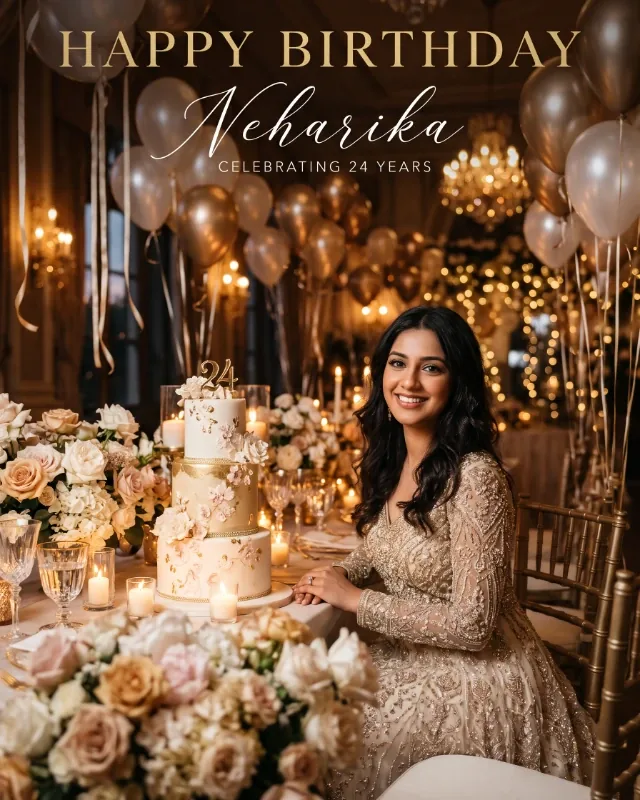
Include a beautifully designed birthday greeting area with elegant champagne-gold script lettering. Display **“HAPPY BIRTHDAY!”** prominently. Below it, provide clearly separated, elegant spaces for the following personal details:
- **[Name]** – a prominent space for the birthday girl's name.
- **[Age]** – a smaller space for her age, only if provided.
- **[Birthday Year]** – a tasteful space for the year, only if provided.
- [Birthday Message] – a spacious area for the personal greeting, only if provided.
Use the exact supplied details when personalising the design. If any optional detail is left blank, omit it completely and leave the layout looking balanced. Do not invent names, ages, years, or messages. Ensure all typography is correctly spelled, elegant, and clearly readable without covering the girl's face or body.
Vertical 4:5 portrait composition, high resolution, full-length framing with her entire outfit visible, comfortable space around the subject, balanced decorations, and a beautifully detailed birthday environment. Exactly one girl and one photograph in a single frame. Preserve her real identity from the reference photo. No additional people, no duplicate subjects, no collage, no split screen, no multiple poses, no exaggerated makeup, no artificial skin smoothing, no unrealistic facial changes, no cartoon effects, no distorted hands, no extra fingers, and no watermark.