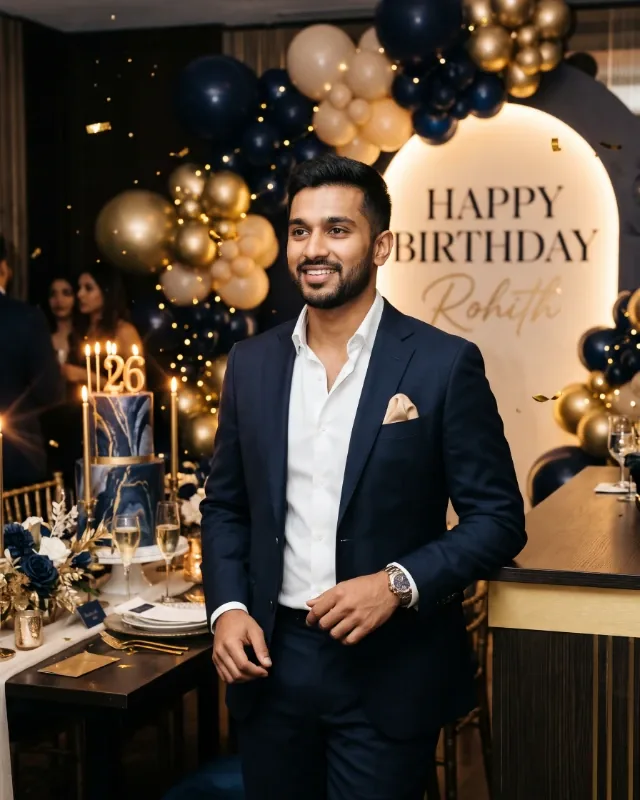
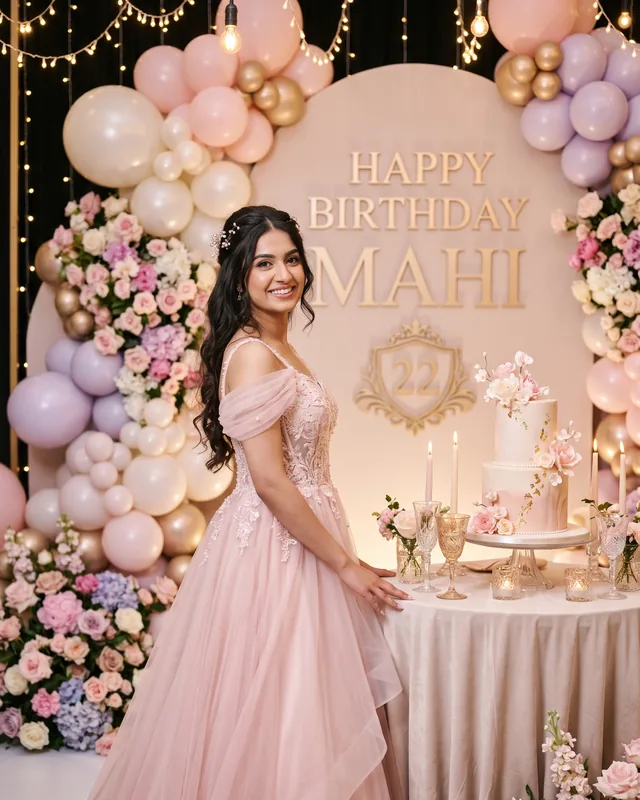
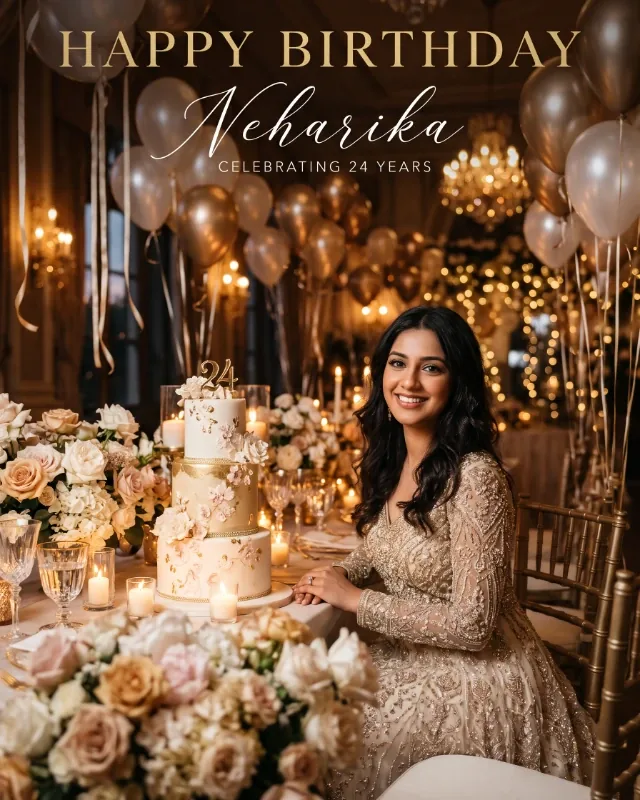
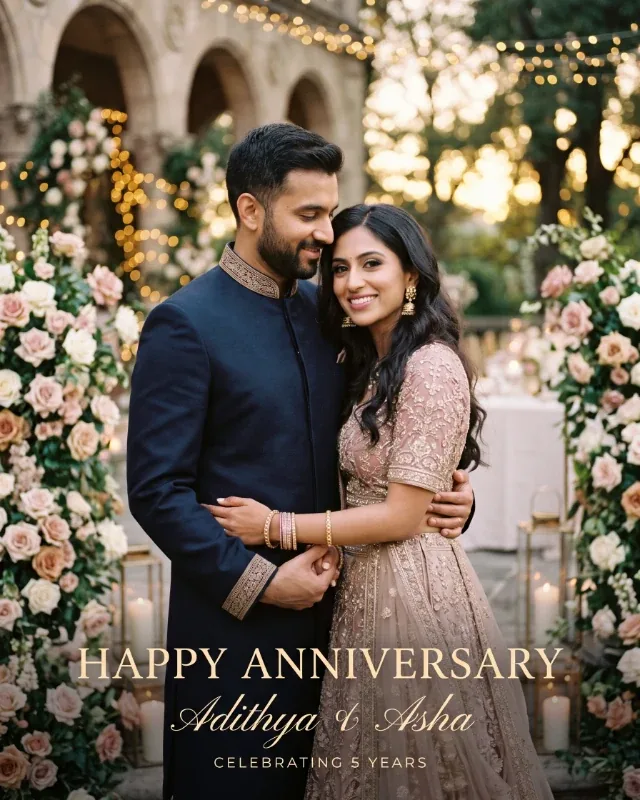
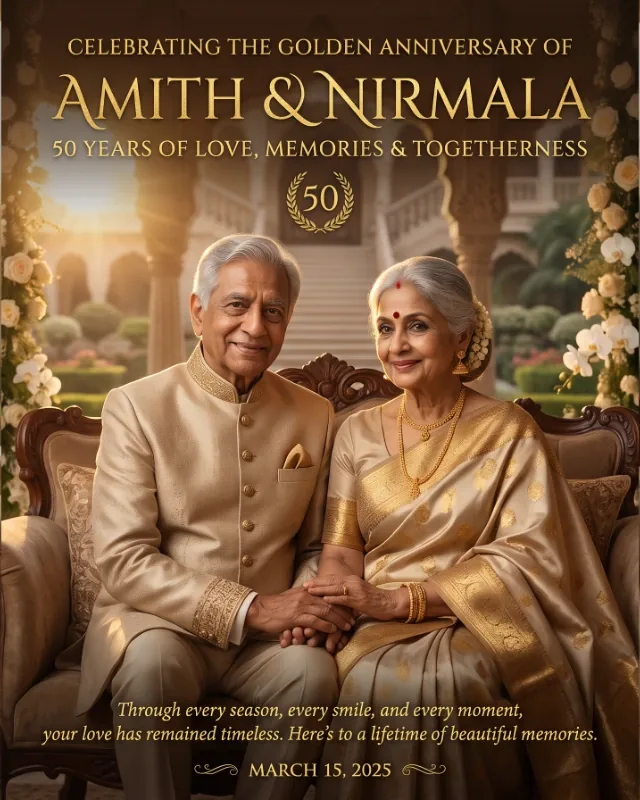
Create a sophisticated, dreamy, photorealistic luxury birthday celebration portrait for an adult man, combining modern masculine elegance, premium event styling and a subtle cinematic atmosphere.
Birthday man's name: [Name]
Age: [Age]
Reference photo: [Upload Clear Portrait]
Preferred outfit: [Luxury Formal / Smart Casual / Modern Traditional / You Decide]
Preferred colours: [Navy and Gold / Black and Gold / Champagne / You Decide]
Personal birthday message: [Enter Greeting / Optional]
Use the supplied reference photograph as the primary identity source. Preserve the man's original facial identity, face shape, skin tone, hairstyle, facial hair and natural age appearance. Do not replace him with a generic model or artificially alter his facial features.
Feature the man prominently in a confident, relaxed and natural standing or seated pose, with elegant body language and a natural expression. Dress him in a premium tailored suit, sophisticated blazer with trousers or a refined smart-casual outfit, according to the selected style.
Create an exclusive luxury birthday celebration setting with elegant architectural details, stylish balloon arrangements, a beautifully designed birthday cake with refined decorations and glowing candles. Add tasteful confetti, subtle floral accents and delicate golden fairy lights. Use dreamy background bokeh, gentle light particles and soft reflections to create a magical yet realistic celebration atmosphere.
Use a sophisticated masculine colour palette based on the selected colours. If no preference is provided, use midnight navy, charcoal, champagne gold, ivory and subtle silver accents. Create bright, flattering cinematic portrait lighting with warm highlights, soft shadows and natural skin tones. Avoid gloomy lighting and excessive neon effects.
Include the exact headline **“HAPPY BIRTHDAY!”** prominently in bold, refined serif or modern luxury typography. Use champagne gold, silver or warm ivory lettering. Include the supplied name elegantly in the composition. Incorporate the age only when provided, and use the personal birthday message exactly as entered. Ensure all text is correctly spelled, crisp and readable without covering the man's face or important visual details.
Create a balanced luxury editorial composition with the man as the unmistakable focal point and the birthday cake and decorations as supporting elements. Use professional full-frame DSLR or medium-format photography aesthetics, realistic anatomy, natural hands, believable body proportions, detailed clothing textures, authentic skin texture, subtle professional retouching, realistic depth of field and premium cinematic colour grading.
The final result should resemble a luxury men's fashion editorial combined with a premium birthday photoshoot: mature, confident, masculine, elegant and memorable.
Create exactly one single image in one continuous composition. Follow the selected image format if specified by the image-generation platform. Do not create collages, grids, split screens, multiple panels or duplicate subjects. Avoid childish decorations, cartoon effects, excessive flowers, clutter and artificial-looking skin. Do not invent names, ages, dates or personal achievements. No watermarks, unwanted logos or additional text.